
Proper Setup Keeps Your Devices and Data Safer From Everyday Threats
Home network installation improves network security by setting up your internet, router, and connected devices the right way from the start. A proper setup limits who can access your system and blocks many common online threats. When wires, routers, firewalls, and settings are handled correctly, your home network is much harder to hack. In places like Ellicott City, MD, where many homes rely on multiple smart devices, a secure setup matters more than ever.

Quick Answer: Better Setup Means Better Protection
The way your network is installed plays a big role in how safe it is. A strong home network installation includes secure router placement, updated firmware, encrypted Wi-Fi settings, and smart device segmentation. When these steps are done correctly, hackers have fewer weak points to target. It also reduces the risk of data theft, malware, and unwanted access to your cameras, laptops, or smart home devices.
What You Need Before Starting
Before setting up a secure home network, gather the right tools and information. This helps avoid gaps in protection.
- A modern router that supports WPA3 encryption
- Strong, unique passwords for admin access and Wi-Fi
- Updated modem from your internet provider
- Ethernet cables for stable wired connections
- A basic firewall device or built-in router firewall
- List of all devices that will connect to your network
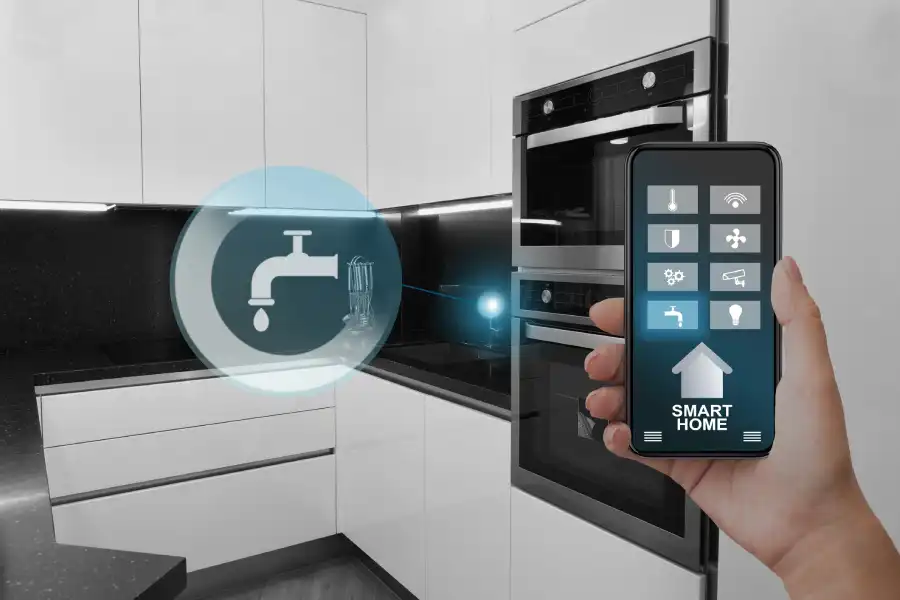
If you are using home automation systems or smart security cameras, plan where they will connect on the network. This falls under the broader service category and should be handled with care during installation.
Step-by-Step Process for a More Secure Network
A safe home network installation follows a clear process. Skipping steps can leave weak spots.
- Place the router in a central, secure location inside the home.
- Change the default admin username and password right away.
- Turn on WPA3 or WPA2 encryption for Wi-Fi.
- Create a strong Wi-Fi password with a mix of letters, numbers, and symbols.
- Disable WPS if not needed.
- Set up a guest network for visitors.
- Update router firmware to the latest version.
- Enable the firewall in the router settings.
- Separate smart devices onto a different network band or VLAN if supported.
Each step adds another layer of protection. Together, they make your network much harder to break into.
Common Mistakes to Avoid
Many security problems start with small oversights. Watch out for these common mistakes:
- Leaving the default router password unchanged
- Using easy passwords like ‘12345678’
- Placing the router near a window where signal leaks outside
- Skipping firmware updates
- Connecting all devices to one open network
Even one of these errors can create a security risk. A rushed setup often leads to these problems.
When to Call a Professional
Some homes have more complex needs. Large houses, home offices, or properties with multiple access points often require advanced configuration. If you are running smart locks, security cameras, gaming systems, and work computers on the same network, professional help can bring peace of mind.
Experts can:
- Install enterprise-level firewalls
- Configure secure remote access
- Set up network segmentation
- Run secure ethernet lines through walls
- Test the system for weak points
Professional home network installation also reduces setup errors that could expose sensitive information. This is especially helpful for families who work from home or store financial data online.
Final Recommendation and Next Steps
If you want a safer, more reliable network in Ellicott City, MD, professional help can make a real difference. At Sara Computer Service, we install secure systems designed to protect your devices and your data. We handle setup, configuration, and security testing with care. Call (667) 229-3910 to schedule an appointment and let us help you build a stronger, safer home network.